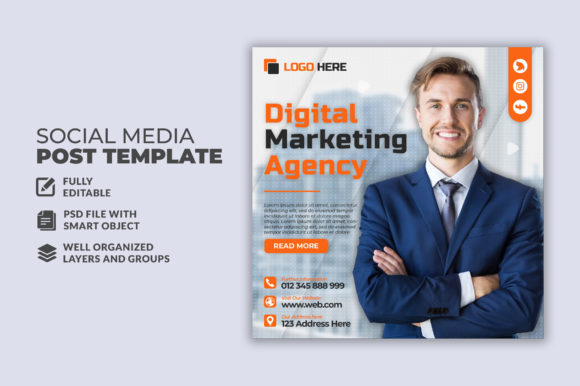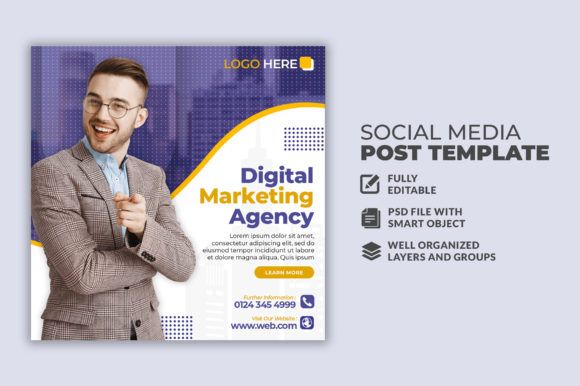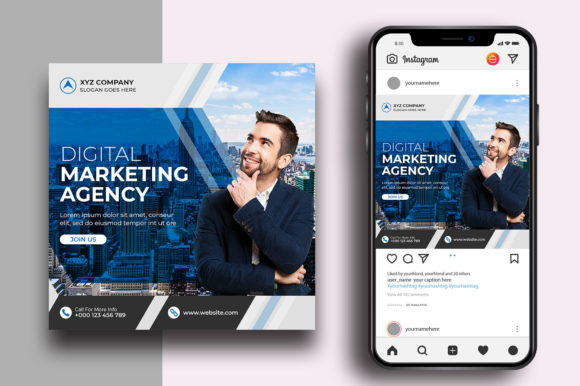
Digital Marketing Post Design
Let’s talk about the square image. That 1080×1080 pixel canvas is the backbone of your social media identity. It’s the first thing people see, and it determines whether they linger or scroll past. But a blank canvas can be intimidating. This is where the concept of Digital Marketing Post Design becomes essential—a structured approach to visual communication that blends a pre-built framework with your unique message. A strong template bridges the gap between having something to say and presenting it professionally. However, the value of a template depends heavily on who you are and what you need to accomplish.
What Makes a Design Truly Editable?
When you see terms like "100 Layered and Full Editable," it describes a very specific type of file. The designer has built the composition using Photoshop layers, keeping text, backgrounds, effects, and images separate. For a beginner, a layered PSD file acts like training wheels—it protects the overall structure while letting you tweak the words. For a professional, it is a time-saving launchpad. A well-organized layer structure, often labeled in folders, allows you to swap a background color in seconds or replace a placeholder image instantly. The "Free Font Use" aspect removes a major legal and practical hurdle. Many beautiful designs rely on expensive typefaces, but a template built for accessibility ensures you can achieve the exact look without purchasing additional fonts or worrying about licensing issues.
For the Beginner and Hobbyist: Learning by Doing
If you are new to digital marketing or graphic design, starting from scratch is daunting. A Digital Marketing Post Design template acts as a practical tutor. You do not need to master color theory or composition rules because the heavy lifting is already done.
Ease of Use: Templates that advertise "Easy To Customize" generally use smart objects or simple text layers. You double-click to insert your photo, click on the text to type your message, and the file handles the rest. You learn the rhythm of good design by seeing how the elements interact.
Learning Value: Exploring a layered file helps you understand why elements are placed where they are. Why is the headline bold? Why is there a gradient overlay? You absorb design principles through hands-on practice, which builds confidence for future projects.
Cost-Effectiveness: Hiring a designer for every single post is expensive. A single template pack can generate hundreds of unique graphics. For the hobbyist running a passion project or a small community group, this is the most efficient way to maintain a professional look on a minimal budget.
Practical example: Imagine you are a baker sharing your daily specials. A template with a clear text hierarchy and a food-friendly layout lets you swap the stock image for a photo of your fresh croissant. You edit the text to read "Blueberry Almond Croissant – Baked Fresh Today." In five minutes, you have a post that looks like it came from a professional marketing team.
For the Marketer and Entrepreneur: Speed and Consistency
For the business owner or marketing manager, the priority shifts from learning to efficiency. You need results, and you need them fast. Scrambling to design a post from scratch while managing customer inquiries is not sustainable.
Speed: A "Well Organized" PSD file is a massive time saver. Instead of recreating the wheel for every promotion, you open the template, update the text, swap the image, and export. This consistency means you can focus on your copy and call-to-action, not the visual mechanics.
Commercial Value: Time is directly tied to revenue. A template that reduces your post creation time from 45 minutes to 10 minutes has a direct return on investment. It allows you to post more frequently, which often leads to better engagement and reach.
Reliability: Knowing that the template is exactly 1080×1080 pixels ensures your post will look crisp on mobile devices and desktop feeds. The "Full Editable" nature means you can strictly adhere to your brand style guide, using your exact brand colors and voice every single time.
Practical example: Suppose you are a consultant running a LinkedIn thought leadership campaign. You need a series of five posts promoting a new eBook. A corporate-themed template set allows you to create a cohesive series. You use the same background style, change the featured statistic in the text layer, and export. Your feed looks strategic and intentional, which builds trust with potential clients.
For the Freelancer and Content Creator: Flexibility and Precision
Creators and freelancers operate in a unique space. They need the speed of a template but the flexibility to express a distinct voice. A rigid template feels restrictive. A "100 Layered" file provides the raw materials for real art direction.
Flexibility: You can deconstruct the template. Maybe you like the layout but hate the color palette. Because the file is layered, you can change everything. You can add your own assets, merge design styles, or completely repurpose the template for a different platform.
Professional Output: Clients pay for quality. Using a template as a base allows you to allocate more time to strategy and copywriting while still delivering a polished visual product. You can offer "social media graphics" as a service without needing to be a full-time illustrator.
All Text Editable: This is non-negotiable for a creator. Sometimes you need to adjust the leading or tracking to make a headline fit perfectly. Templates that restrict text to smart objects are limiting. A true PSD with live, editable text gives you the precision of a typesetter.
Practical example: You land a gig managing social media for a local fitness studio with a dark, edgy brand. You find a template pack with neon accents. You use the layout but change the dark background to match the studio's specific dark grey, swap the neon green for their signature electric blue, and apply their specific font. The final graphic looks custom-made, but you built it in 20 minutes. You charge for the speed and expertise, not the hours spent pixel-pushing.
For the Educator and Publisher: Clarity and Presentation
If your goal is to inform or teach, your social media posts need to prioritize readability. A decorative template that looks beautiful but hides the message is counterproductive. Educators and publishers need templates that treat text with respect.
Clear Hierarchy: A good template will use size, weight, and spacing to guide the reader’s eye. Pull quotes, statistics, and short paragraphs need clear placement. The template should make information scannable.
Functional Aesthetics: The design should enhance the content, not overwhelm it. High-contrast text and ample white space are critical for accessibility, especially if your audience includes older learners or professionals reading on small screens.
Practical example: A university sharing research highlights can use a minimalist template that features a bold statistic at the top, a brief explanation below, and a clean call-to-action linking to the full paper. The design adds credibility without detracting from the data.
Evaluating Quality: What to Look For
Not every template labeled "Digital Marketing Post Design" is built well. Knowing what to check before you download helps you avoid wasting time on poorly constructed files.
- Layer Organization: Look for descriptive folders named "Text," "Background," and "Images." If the layers are a mess of unlabeled shape layers, customization will be frustrating.
- Font Licensing: Templates stating "Free Font Use" are ideal. Custom fonts that require purchase can break your workflow or lead to legal issues if used commercially.
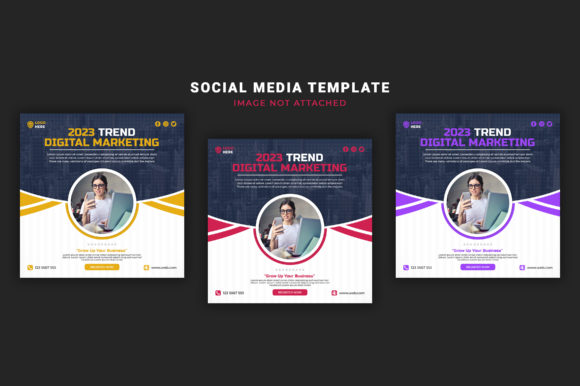
- Image Dependency: Review the requirements. If the template specifies "Image Not Included," the design should look compelling even with placeholder images. The layout itself should be strong.
- Resolution Standards: 1080×1080 is the industry standard for social squares. It is crisp on Retina displays and perfectly sized for Instagram and Facebook feeds.
Matching the Template to Your Personal Goals
A common mistake is choosing a template that is either too rigid or too complex for your actual needs. Taking a moment to align the template features with your skill level and project type makes all the difference.
If you are a beginner: Prioritize "Easy To Customize" and "Free Font Use." Your goal is to create a polished post without feeling overwhelmed.
If you are a business owner: Prioritize "Flexibility" and "Brand Alignment." You need a system that allows for systematic color and font changes so every post reinforces your identity.
If you are a content creator: Prioritize "Full Editable" text and a highly organized structure. You need the ability to tweak every pixel to match your unique aesthetic.
If you are an educator or publisher: Prioritize "Clarity" and "Presentation." Look for layouts that handle text-heavy information well, with strong typography and balanced white space.
The Long-Term View: Templates as a Skill Accelerator
Using a Digital Marketing Post Design template is not a crutch; for many, it is a catalyst. By consistently editing layered files, you internalize layout grids, typography pairings, and the rule of thirds. Over time, you become faster at creating original work. You start to recognize why certain layouts perform better for specific audiences. The template becomes a framework for experimentation. You can test different visual styles with minimal time investment, using the engagement data from your posts to refine your approach. This iterative cycle is exactly how professional social media strategies are built and improved.
The right template does more than save time. It empowers you to communicate visually with clarity and confidence. Whether your goal is to sell a product, teach a skill, or build a community, the layers of a well-built PSD file contain the potential for a truly engaging social media presence. By understanding the features—from layer organization to font licensing—you can select a template that fits your workflow and helps you achieve your specific vision.